Many appointment-based businesses use Google Calendar to organise their day. It is straightforward, reliable and already part of the routine for many professionals.
The extra work comes afterwards: reminding every customer, sending messages, checking who has confirmed and keeping the diary up to date whenever something changes. The Apúntalo integration with Google Calendar automates much of that work without asking you to leave the calendar you already know.
Your familiar calendar, connected to Apúntalo
When you connect an Apúntalo diary to your Google account, a dedicated calendar for that team member is created inside Google Calendar. You can then see Apúntalo appointments in the same app as your other calendars.
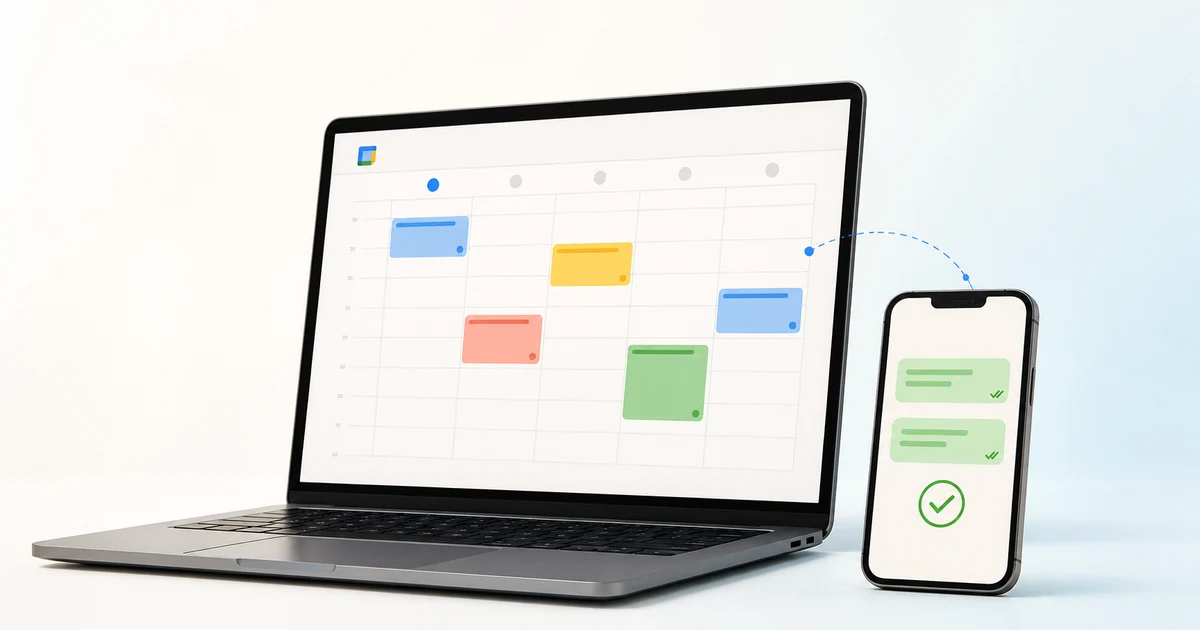
Synchronisation works both ways. An appointment created or edited in Apúntalo appears in Google Calendar. If you add, move or delete an event in the connected calendar, that change is also reflected in Apúntalo.
If you already have upcoming appointments in Google Calendar, you can move or copy them into the connected calendar and bring them into Apúntalo without recreating each event. To send WhatsApp reminders, simply link the appointment to the right customer and make sure their mobile number is saved correctly.
This is not about replacing one diary with another. Google Calendar remains a convenient place to view and edit the day, while Apúntalo adds the tools an appointment-based business needs.
Reminders and confirmations without chasing every customer
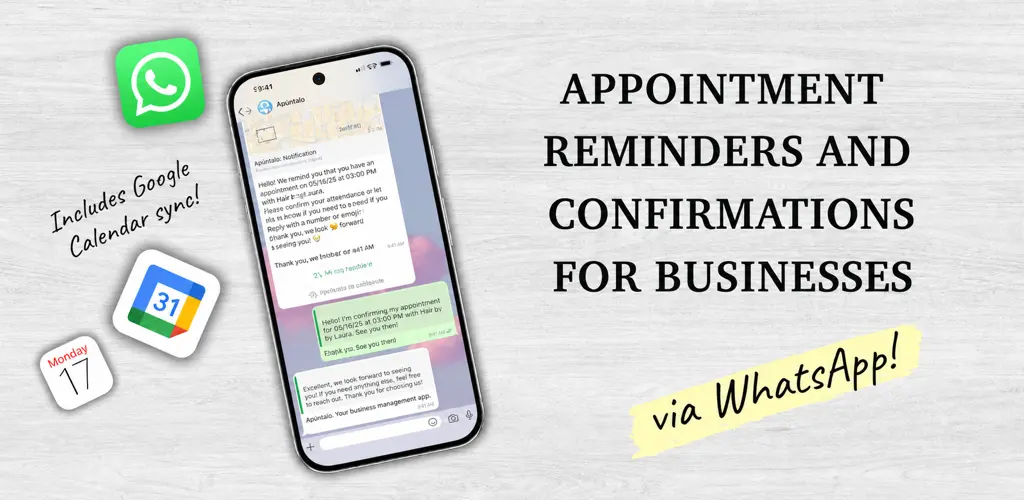
With reminders enabled, Apúntalo can notify each customer on WhatsApp at the time you choose. If automatic confirmations are enabled too, the customer can confirm their attendance directly from the message.
Their reply stays linked to the appointment and its status is also shown in Google Calendar. At a glance, you can see whether an appointment is awaiting a response, confirmed or cancelled without checking every conversation.
If you change the appointment time before the reminder is sent, Apúntalo updates the reminder schedule. The calendar, appointment and message therefore stay aligned.
You continue to open Google Calendar as usual, but spend less time sending manual reminders and copying confirmations back into the diary.
See how the integration works
This short video shows how Apúntalo connects Google Calendar appointments with WhatsApp reminders.
Discover Apúntalo and see how it can fit your business.
If you would like to talk to us, you can message us on Instagram and speak directly with our team.